American Truck Simulator: Road Trip previews Car Dealer and My Cars tabs
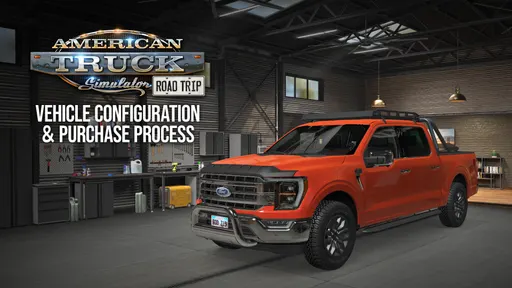
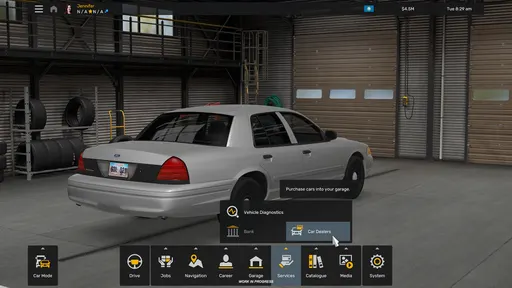
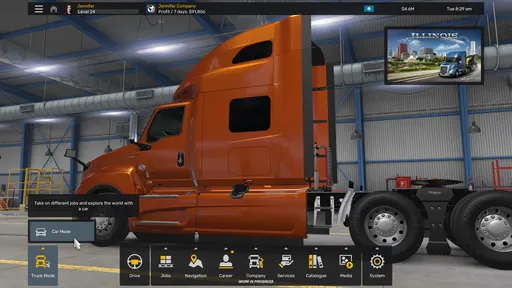
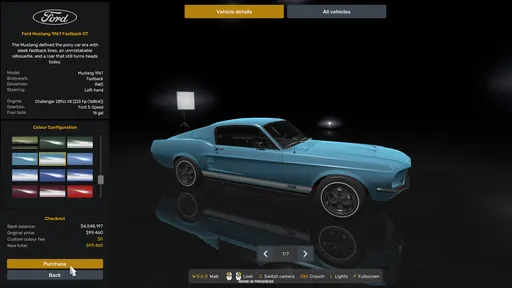
The latest Road Trip preview for American Truck Simulator details the vehicle configuration and purchase process for cars. Buying and configuring a car will work differently than with trucks: you purchase it through a new Car Dealer tab on the in-game desktop, then customize it in the My Cars garage.
Car Dealer: brands, models, and colours
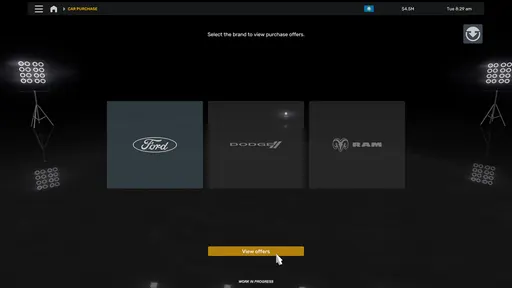
At the Car Dealer, you first choose a brand from the Car Pack DLCs you own. Owning both the Ford Car Pack and RAM & Dodge Car Pack unlocks Ford, RAM, and Dodge; the RAM & Dodge pack alone unlocks two brands.
From there, you can pick a model like the Ford Mustang or Dodge Challenger, inspect its light signature, and review its description, technical details, and specifications. Cars can be browsed like a catalog or compared side-by-side in a table view, and you can pick from a range of unique colours before buying.
My Cars: configure, sell, and drive
After the purchase, you can drive immediately or open the My Cars tab on the in-game desktop for more personalization. The new garage space lets you view and compare the cars you own, then hit Configure for paint jobs and exterior and interior parts tailored to each car. Selected cabin accessories will also be compatible with Car Pack DLCs, and you can sell cars from the garage. Hitting Drive starts exploring American Truck Simulator from a completely new and different perspective.
Further options are still being researched, with more features and customization planned for Road Trip vehicles. Both the Ford Car Pack and RAM & Dodge Car Pack can be added to your Steam wishlist.